 TREVO
TREVO
Looking for a self-drive car rental in Melaka? Start with the trip you are actually taking, not a generic rate card. Set your dates, count the people travelling, think through luggage and decide whether you expect one stop or a fuller day moving between places. Then browse current TREVO listings and compare the details shown for those needs. TREVO is a Malaysian peer-to-peer car rental marketplace, so the useful information is tied to the individual listing and the dates you select. That means the displayed price, vehicle information, availability and arrangements should be reviewed before you book. Once you know what the trip calls for, browse cars on TREVO and assess the current choices.
At a glance
- Start with dates: use the dates you genuinely need the car, so you compare current choices for the right trip.
- Size the trip: passenger numbers and luggage matter more than a vehicle label alone.
- Map the driving: a compact heritage-area plan can call for different thinking from a group itinerary with several stops.
- Choose a timeframe: frame the need as daily, weekly or monthly before comparing options.
- Trust the listing: review its displayed price, vehicle details, availability and arrangements before booking.
- Keep the next step simple: browse current options on TREVO once your trip profile is clear.
What should I decide before searching for a self-drive car in Melaka?
Before you search for a self-drive car rental in Melaka, settle four things: the dates, the number of travellers, the luggage and the kind of driving you expect to do. Those decisions create a useful trip profile before you look at any current listing. A couple travelling light for a compact itinerary may assess space differently from a family carrying bags and planning several stops; neither option is automatically right without the real details. Your dates also matter because the information you need to compare belongs to the selected trip, not to a broad promise. Write down the start and end dates, who is coming, what needs to fit in the car and whether the plan is focused on one area or a longer drive. With that short checklist in hand, browse current TREVO listings and open only the options that fit it.
Pro tip: Agree on the passenger count and luggage plan before anyone starts comparing cars. It is the quickest way to rule out an option that only looks suitable at first glance.

Start with the trip, not the vehicle name
A vehicle name or photo cannot tell you whether it suits the people and belongings on your trip. Use your trip profile to read the vehicle details on each current listing instead. If an option does not make sense for the way you plan to travel, keep browsing rather than forcing the plan around it.
Should I choose a daily, weekly or monthly rental for my trip?
Choose between a daily, weekly or monthly rental by first defining the length of time you actually need a car, then comparing current listing details for that timeframe. These words are useful planning filters, not a promise that every listing has the same price, arrangement or availability. A short stay can be planned around daily use; a trip organised over a week can begin with a weekly timeframe; and a longer need can start with a monthly timeframe. The important part is to enter the dates you have in mind and assess the options that appear for them. Avoid comparing a vague weekend plan with an assumed week-long arrangement, because the displayed details may not relate to the same trip. Once the timeline is clear, review each matching TREVO listing for its displayed price, vehicle details, availability and arrangements before deciding.
Pro tip: Keep the dates consistent while comparing options. Changing the timeframe midway through a search makes it harder to tell which listing actually fits the plan.
For a short rental, you may also want to read what to check for a one-day car rental in Malaysia. It is a planning guide, so return to the current listing for the details that apply to your selected dates.
Let the timeframe reflect the real plan
Daily, weekly and monthly are starting points for organising a search. They do not decide the best option on their own. Use the timeframe alongside passenger numbers, luggage and planned driving, then compare the current details shown for each choice.
If your Melaka trip runs for a month or close to it, our monthly car rental in Melaka guide sets out what to expect before you compare cars.
If your next trip heads north instead, the same checklist applies to self-drive car rental in Penang.
How should I compare current self-drive rental choices?
Compare current self-drive rental choices by looking at what each listing shows for the dates and trip profile you entered, rather than assuming one result represents every option. Start with the displayed vehicle details and ask whether they match your passenger count, luggage and planned driving. Next, review the displayed price for that specific listing and the current availability and arrangements shown alongside it. Read these points together: a choice is only useful when it suits the journey and the information currently displayed for it. Do not treat a headline price, a general guide or an earlier search as confirmation for a new trip. If you cannot see an important detail clearly, do not guess; compare another current listing or revisit the trip details you entered. When you have narrowed the options, use the listing information to make a considered booking decision.
Pro tip: Compare two or three options against the same checklist: dates, people, luggage, planned driving and the current listing information. It is more useful than choosing on one factor alone.
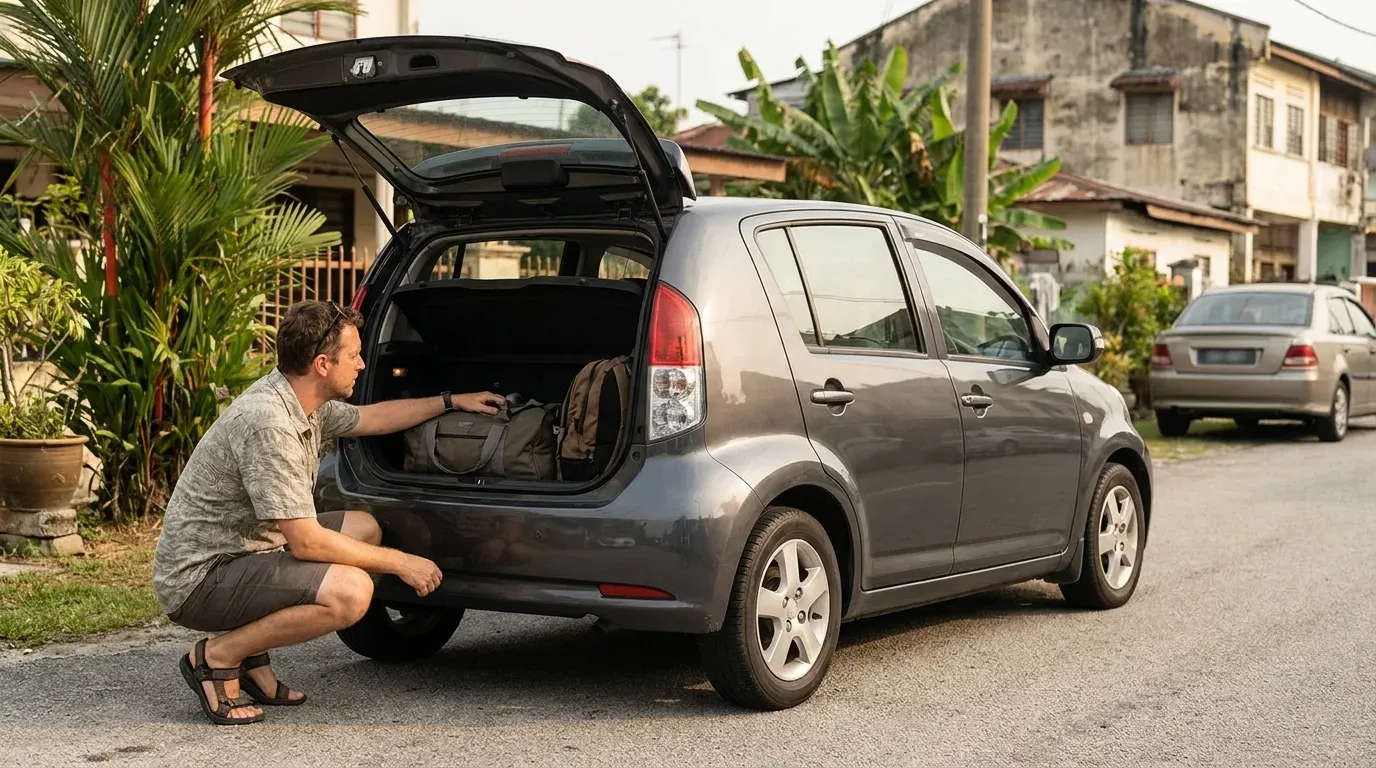
Use one honest comparison checklist
The best comparison is specific to your trip. Check the selected dates, the displayed price, vehicle details, availability and arrangements for every option you are still considering. Do not assume the answer is the same across listings or on a different date.
Why can a self-drive option help with a Melaka itinerary?
A self-drive option can be worth considering when your Melaka plan involves several stops, people travelling together or luggage that is inconvenient to move between locations. It is not essential for every visit: a short plan centred on one area may call for a different approach. The useful question is whether having a car fits the itinerary you have chosen. If your group wants to build a day around separate food stops, neighbourhoods or other plans, set the dates and trip profile first, then check the current listings that may suit it. Do not assume a particular car, collection point, delivery option or route will be available. The selected listing is where you should review the information that applies to your booking. This keeps the transport decision practical: use a car when it makes the actual plan easier, not because a generic guide says everyone should.
Pro tip: Put your likely stops in a sensible order before browsing. A clearer itinerary makes it easier to decide what space and rental timeframe you need.
For ideas that can help you shape a food-focused itinerary, read 10 best restaurants in Melaka or the best Nyonya food in Melaka. Use them to plan the day, then return to your real dates and current listings.
Budget is the other half of the equation, and you can compare cheap car rental listings in Melaka across every car class once the self-drive format is settled.
What is the next step when I am ready to browse?
When you are ready to browse, enter the dates and use the trip profile you have already worked out: people, luggage, planned driving and whether the need is daily, weekly or monthly. Then compare current TREVO listings instead of relying on a blanket claim about what will be available. Open the options that fit the trip and review the displayed price, vehicle details, availability and arrangements on each listing before booking. This final check matters because the relevant information is tied to the listing and the dates selected, not to a generic self-drive car rental page. If the first option does not fit the plan or the current details are not clear enough, keep comparing. A considered choice is one that matches the trip in front of you and the information shown for that listing. When you have your details ready, browse cars on TREVO.
Pro tip: Treat the listing review as the last decision stage, not paperwork after you have already chosen. It is where you confirm whether the option fits your actual trip.
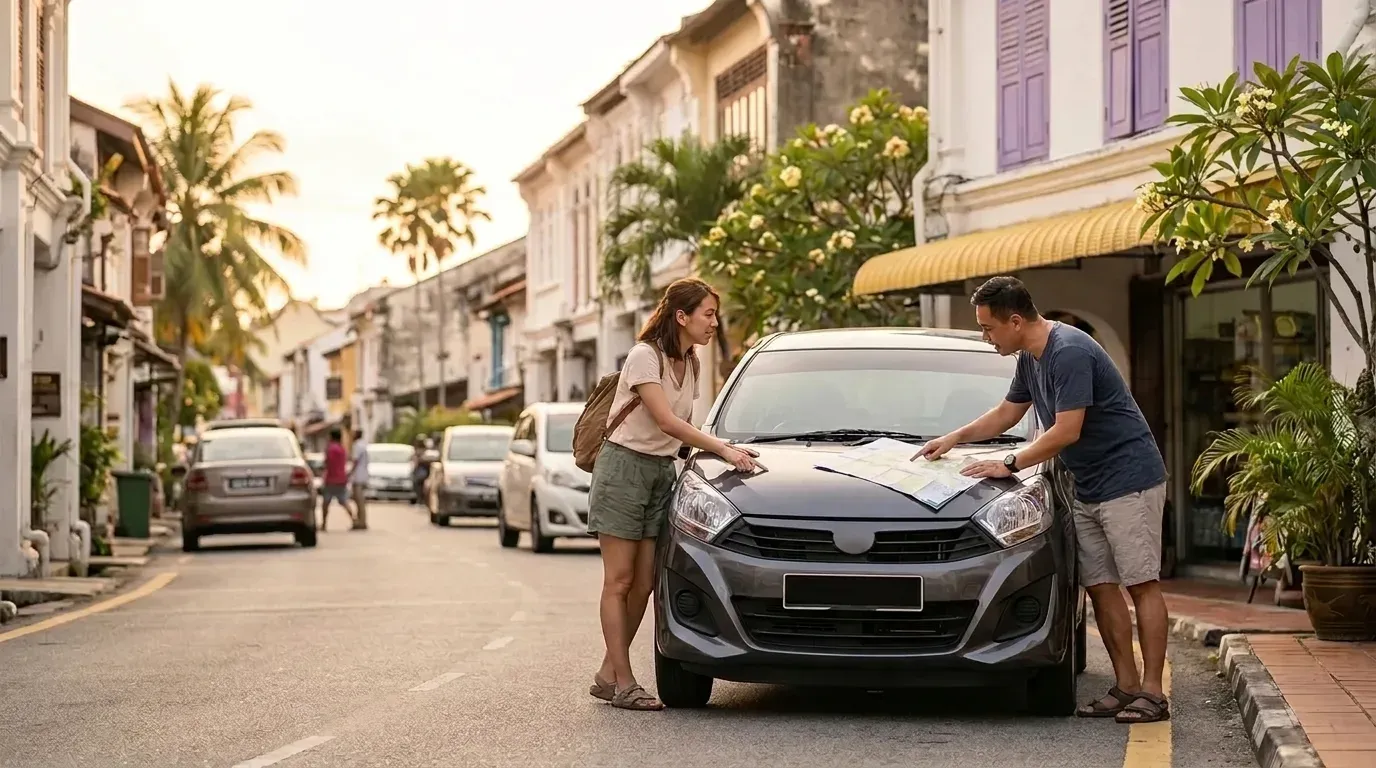
One useful next step is our guide to car rental in Malacca (Melaka) , which shows how to compare available cars side by side before you commit to dates.
Common questions about self-drive car rental in Melaka
The most useful answers about a self-drive car rental in Melaka begin with the information that is specific to your trip. Dates, passenger numbers, luggage and planned driving help you search with purpose; the current listing provides the displayed details to review before booking. Use the questions below as a quick decision check, not as a substitute for current listing information.
How do I begin looking for a self-drive car rental in Melaka?
Answer: Set your dates, passenger count, luggage needs and trip plan first. Then browse cars on TREVO and compare the current listings that match those details.
Can I assume the same price or arrangement applies to every car?
Answer: No. Review the displayed price, availability and arrangements on the individual listing for the dates you select before you book.
Is daily, weekly or monthly always the best choice?
Answer: No single timeframe is automatically right. Use daily, weekly or monthly to organise the search around your planned trip length, then compare the current listing details.
What should I compare between listings?
Answer: Compare the displayed vehicle details, price, availability and arrangements against the people, luggage, planned driving and dates for your trip.
Ready to choose a car for your Melaka trip?
For a self-drive car rental in Melaka, the sensible sequence is simple: set the dates, define the people and luggage, think through the driving and select a daily, weekly or monthly timeframe. Then assess the current TREVO listings that fit those needs. Review the displayed details on the listing you choose before booking, because that is where the information relevant to your trip appears.