 TREVO
TREVO
There is no one fixed answer for how much it costs to rent a car in KL. On TREVO, the price that matters is the current price on an individual car listing for your selected dates and rental needs. Start with the trip you are planning, then compare the listings that suit it instead of relying on a generic web average. TREVO is a Malaysian peer-to-peer car rental marketplace, with daily, weekly and monthly rental options. It covers the Klang Valley, but you should still check the listings shown for your own trip.
At a glance
TREVO prices are listing-specific, so a general KL figure cannot replace the price shown for your dates.
Choose dates first, then decide whether your trip calls for a daily, weekly or monthly rental.
Pick a car with enough room for the passengers and luggage you expect to bring.
Read the current price and listing details before you decide.
Browse current options for your trip at Browse cars on TREVO.
How much does it cost to rent a car in KL?
There is no fixed TREVO price for renting a car in Kuala Lumpur because each car is shown as an individual listing. The useful answer is the current price displayed for the dates you select and the car you choose, not an average pulled from a travel site. A short errand, a family visit, a work week and a longer stay can call for different rental lengths and different amounts of passenger or luggage space. Start by setting the dates of your trip. Then look at cars that make sense for the people and bags travelling with you, and compare the details on each listing. This keeps the decision tied to the journey you are taking. It also avoids treating an old search result or a broad KL price estimate as though it applies to a specific car today.
How do I check what my KL car rental will cost?
To check what your KL car rental will cost, first enter the dates you need the car, then choose the rental duration that fits the trip: daily, weekly or monthly. Next, narrow the choice to cars that suit your passengers and luggage rather than choosing on a headline figure alone. Open an individual TREVO listing and read the current price and listing details before you decide whether it is right for you. This is the most dependable way to answer the cost question because TREVO pricing is listing-specific. It keeps the comparison focused on a real trip and a chosen car, instead of a generic figure that may not match your dates. TREVO serves the Klang Valley, but the listings displayed for your trip remain the place to check. When you are ready, Browse cars on TREVO to inspect current options.
Pro tip: Do the date check before comparing cars. A figure without dates is not a decision-ready rental price.
For a trip that starts at Subang Airport instead of central KL, browse cars for a Subang Airport trip on TREVO to see current listings for your dates.
Should I rent daily, weekly or monthly?
Choose daily, weekly or monthly rental according to the time you need the car, then compare the current details on the listings that fit that plan. Daily rental can suit a short, defined need. Weekly rental gives you a separate option when the trip runs longer. Monthly rental is available for plans that extend beyond a week, but it is not automatically the right choice for every journey. The key is to match the duration to your actual schedule before you begin comparing individual cars. Once your dates and duration are clear, use the listing page to check the price shown for that combination. Avoid assuming that one duration will cost less than another without looking at the current listing. If a longer arrangement is part of your plan, read our guide to monthly rental planning before you compare options.
What should I compare before I choose a car?
Compare the current price and details on each individual listing after you have set the dates, decided on a rental length and worked out what the trip requires. The car should suit the passengers travelling with you and the luggage you expect to carry. That simple check is more useful than chasing a broad KL average, because the car is part of the cost decision. Keep your comparison practical: does the listing match the dates you have in mind, the daily, weekly or monthly option you selected, and the space your trip calls for? Read the details on the listing itself before making your choice. If you want a wider starting point for browsing, compare current car rental listings in Malaysia and then return to the options that match your KL trip.
Pro tip: If two cars look similar, compare them only after you have set the same dates and rental duration for both. That gives you a clearer basis for choosing.
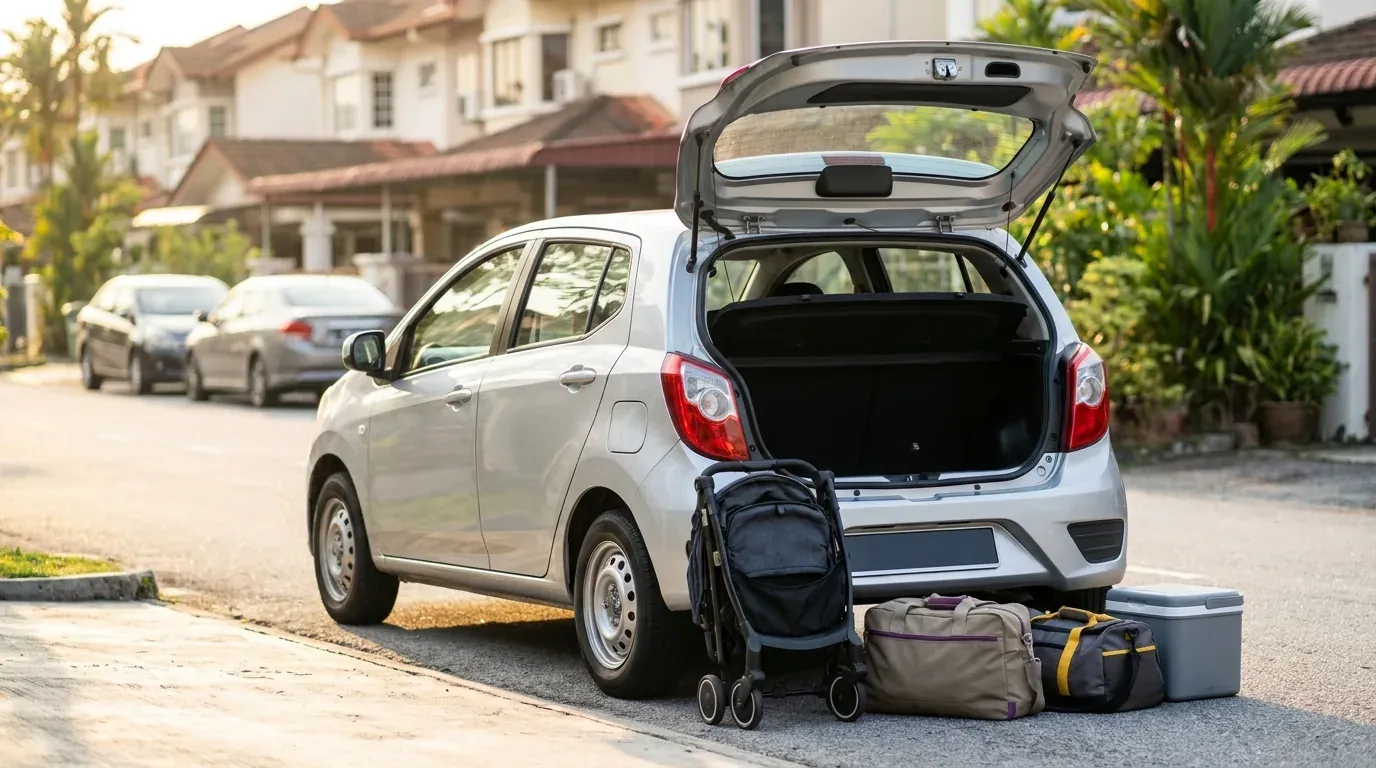
If your route stretches beyond KL, you can also compare car rental listings in Selangor .
Where can I look for a car in the Klang Valley?
TREVO covers the Klang Valley, so it is a relevant place to begin when you are planning a KL car rental. Coverage at this level does not replace checking the current listings for your own trip. The cars shown, their prices and their details need to be read against the dates and rental duration you choose. Begin with the plan rather than the map: set the dates, decide whether you need a daily, weekly or monthly rental, and choose a car that fits the people and bags travelling with you. Then open the listing that interests you and assess the information shown there. This approach keeps expectations realistic and puts the current listing at the centre of the decision. If you are planning an outing as part of the trip, see things to do in KL for local ideas.

What else should I check before opening a current listing?
A useful pre-booking check starts with the parts of the trip you already know: your dates, rental duration, passenger count and luggage needs. Use those details to guide which cars you open, then read the price and information shown on each individual listing. Do not treat a general search result as a quote for the trip you have in mind. If you have questions about rental cover, read what to check about rental cover before you book rather than making assumptions. For the price question, the next step is simple: use the marketplace to see the current listings that appear for your selected trip. Keep the car choice tied to your actual journey, then compare what is displayed. Browse cars on TREVO when you are ready to compare them.
Can I use this page as a fixed KL rental price list?
No. This guide explains how to check the current price on individual TREVO listings; it does not publish a blanket KL rate or price range.
For bigger groups, renting an MPV in Malaysia often works out cheaper per seat than running two separate cars.
Is TREVO available for different rental lengths?
TREVO supports daily, weekly and monthly rental options. Choose the duration that matches your plan, then check the individual listing details.